
Every chart, every word, perfectly sharp.
In a webinar tool, your slides reach viewers only as a compressed screen share. On Vancast you can still share your screen, and you can also send the presentation as its own layer, so every chart stays sharp on any screen, in any layout you choose.
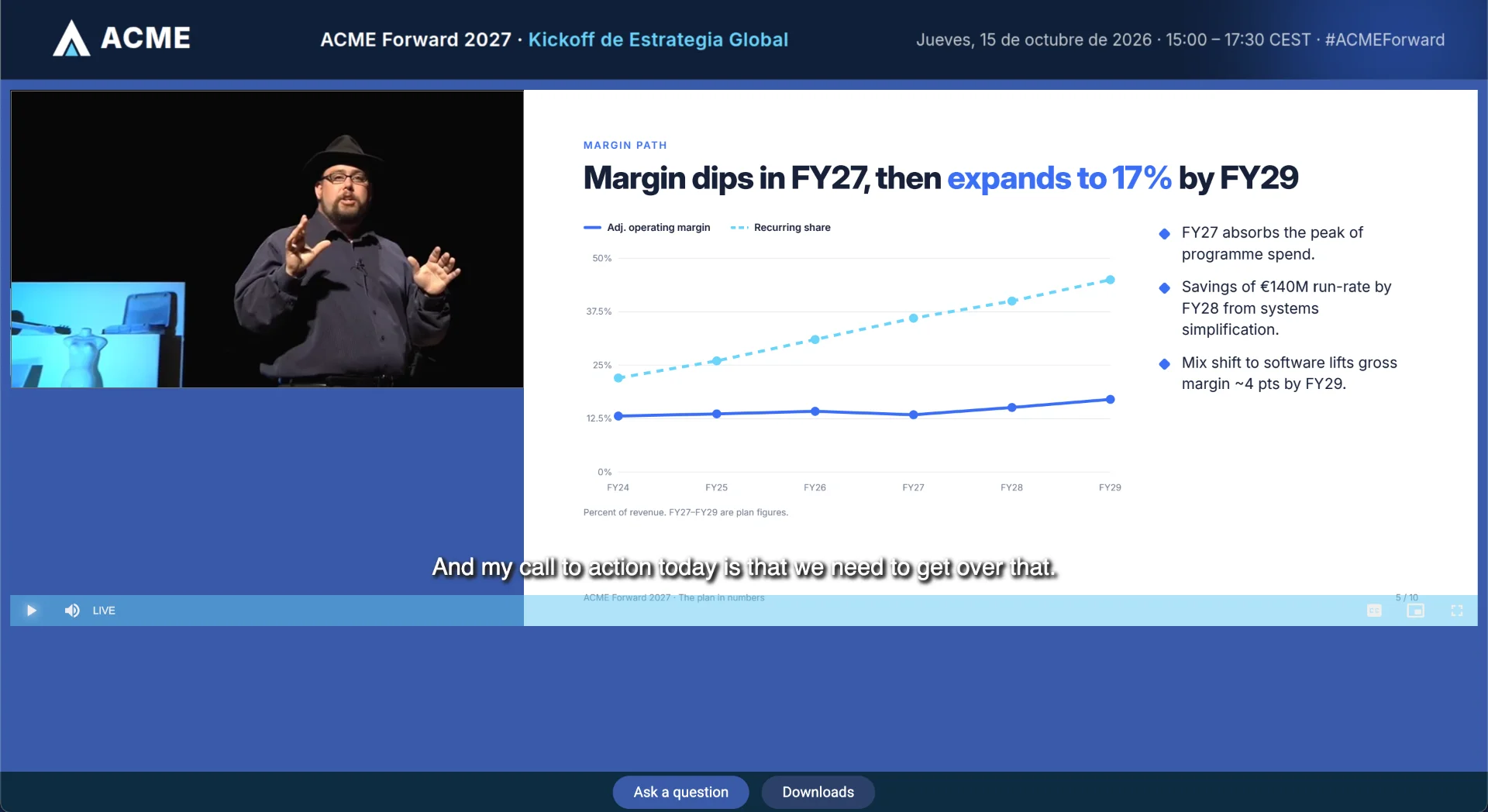
Screen sharing, plus a presentation layer built to be read
| Typical webinar tool | Vancast | |
|---|---|---|
| Slides | Screen share, compressed with the video and often hard to read on a phone | Screen sharing when you need it, plus PDF or PowerPoint slides as a separate layer, synced to the stream and sharp at any size |
| Layout | The tool’s fixed meeting grid | Dynamic layouts on your own event page (video, slides, or video + slides), plus dynamic calls to action and personalized dialog boxes during the event |
| Video source | Webcams and laptop audio | A webcam, a studio encoder or a production company’s feed, with dedicated transcoding per stream |
| Look and feel | The tool’s interface and logo | Your branded event page: viewers see your brand, not ours |
A broadcast your audience can actually read
Synced presentation layer
Share your screen as usual, and add PDF or PowerPoint slides on top: they change for every viewer exactly when the presenter moves on, without passing through the video encoder.
Hybrid presenter mode
Presenters control the slides from the stage while remote viewers stay in sync, so in-room and online audiences see the same thing.
Dynamic layouts and on-screen engagement
Switch between video, slides or video + slides as the event unfolds, and bring in dynamic calls to action and personalized dialog boxes at the right moment.
Professional video workflows
Stream from a laptop or from a full production setup. Adaptive streaming adjusts quality to each viewer’s connection and device.
More reasons to choose Vancast over a webinar tool
See your slides the way your audience will
A 30-minute demo, tailored to your events and audience.