
One event. Every language, end to end.
Most webinar tools add captions in the speaker’s language and stop there. On Vancast, the whole event works in each attendee’s language: registration, emails, the event page, the slides and live translated subtitles.
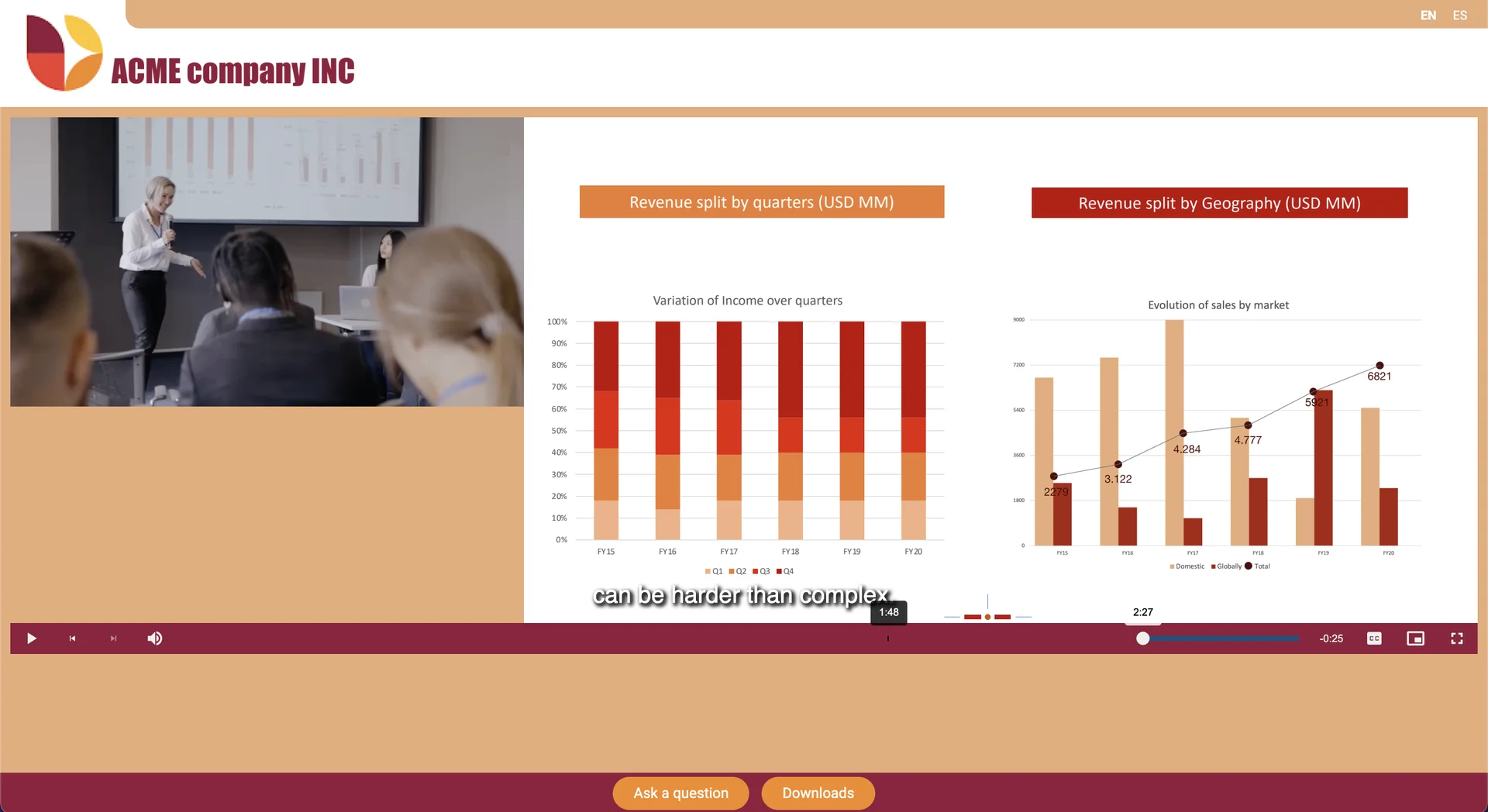
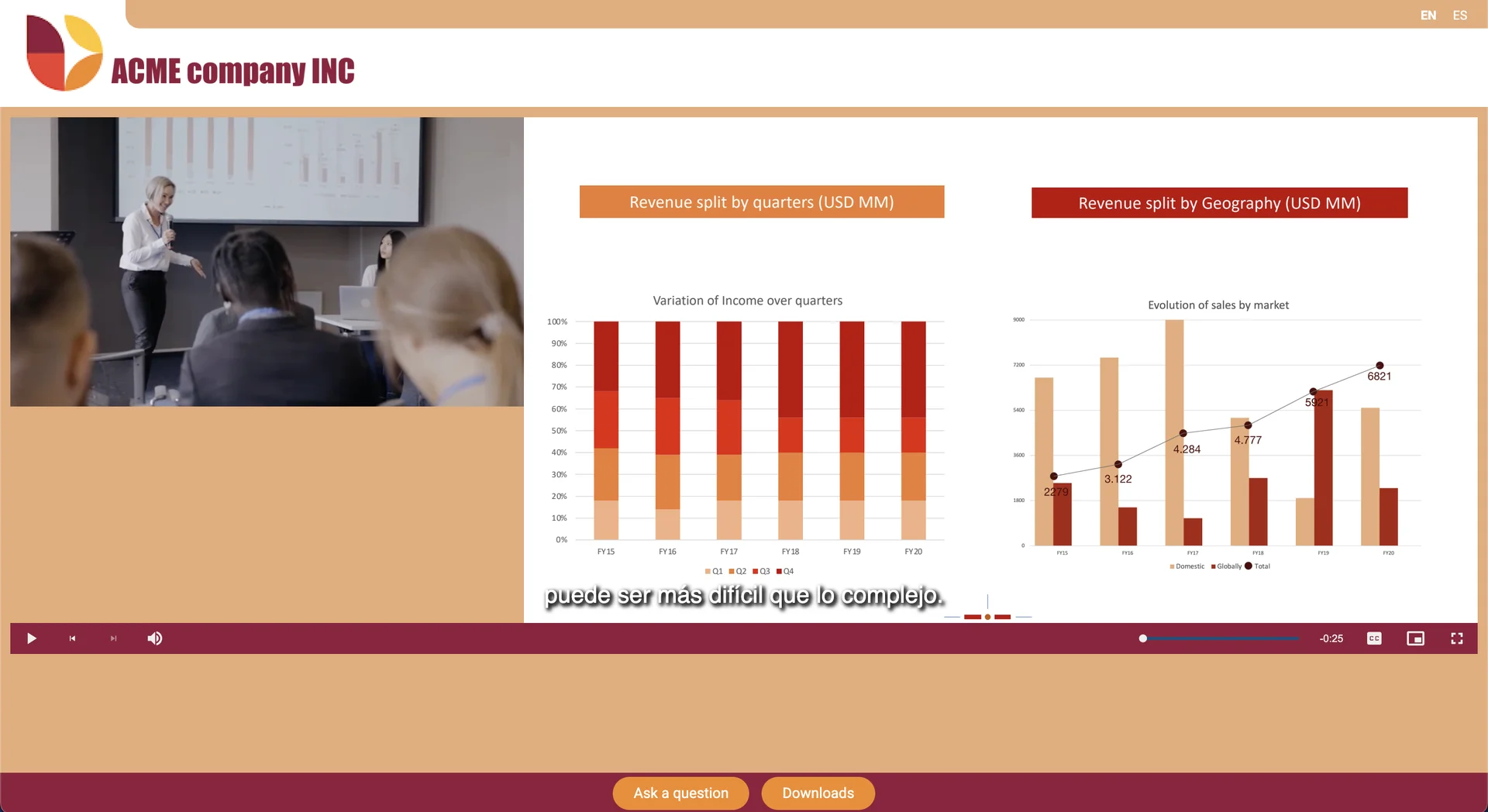
Translated subtitles are only the start
| Typical webinar tool | Vancast | |
|---|---|---|
| Live subtitles | Automatic captions, usually in the spoken language only, appearing word by word | Live AI-translated subtitles in up to 15 languages, built from full sentences of up to 12 seconds for accurate, readable text |
| Slides | One screen-shared deck in one language | A separate PDF per language: each viewer sees the slides in their own language, in sync |
| Registration and emails | One language, or manual copies of the event | Registration gates, lobby pages, reminder emails, buttons and interface text set per language |
| Reporting | One audience report | Engagement analytics broken down by language |
Everything your international audience touches
Live translated subtitles
Subtitles in up to 15 languages, synced with the speaker. Built from complete sentences using the stream’s natural delay, so they read as text, not a transcript in progress.
Multilingual slides
Upload a PDF per language. Viewers choose their language once and the slides follow the presenter in that language.
A localized event journey
Registration form, lobby page, reminder emails, call-to-action buttons and every interface label configured per language.
Analytics per language
See who watched in which language and for how long, to plan the next event.
More reasons to choose Vancast over a webinar tool
See a multilingual event in action
A 30-minute demo, tailored to your events and audience.